
Greenlight – The Smart Debit Card For Kids
Thank you to Greenlight for sponsoring this post.
With kids back in school and fall schedules in full swing, one of the most frequent things I hear these days is, “Mom, I need some money for . . .”
I never have cash on me so last minute requests for money usually involve scavenging in my junk drawer or borrowing cash from my other kids. Scrambling for spare change around the house really adds to the feeling of chaos. Fortunately, I just discovered an easy solution. Greenlight is a debit card for kids that lets you add money instantly to their card directly from the app, manage how your kids spend the money on their card, and set allowance money to automatically transfer to their Greenlight card each week. This is brilliant!

I’m a firm believer that kids should learn money management skills and have real-life opportunities to put those skills into practice. Greenlight lets you, as parents, work together with your child to help set and stick to a budget and practice responsible personal finance.
Greenlight has created a pretty ingenious solution that is going to make my life a lot easier . . . at least when it comes to making sure my kids have money when they need it.
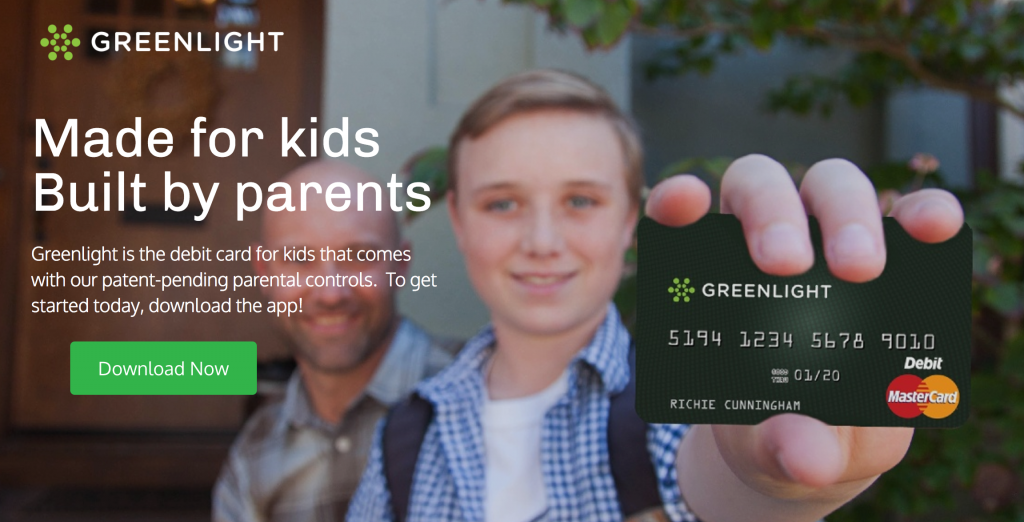
Greenlight is a debit card for kids that you, as the parent, have complete control over.
- If your kids need money, even if it is a last-minute thing, you can use the Greenlight app to send some money instantly over to their card.
- You can track where they spend their money. For kids who are learning basic money management skills, this is such a great tool.
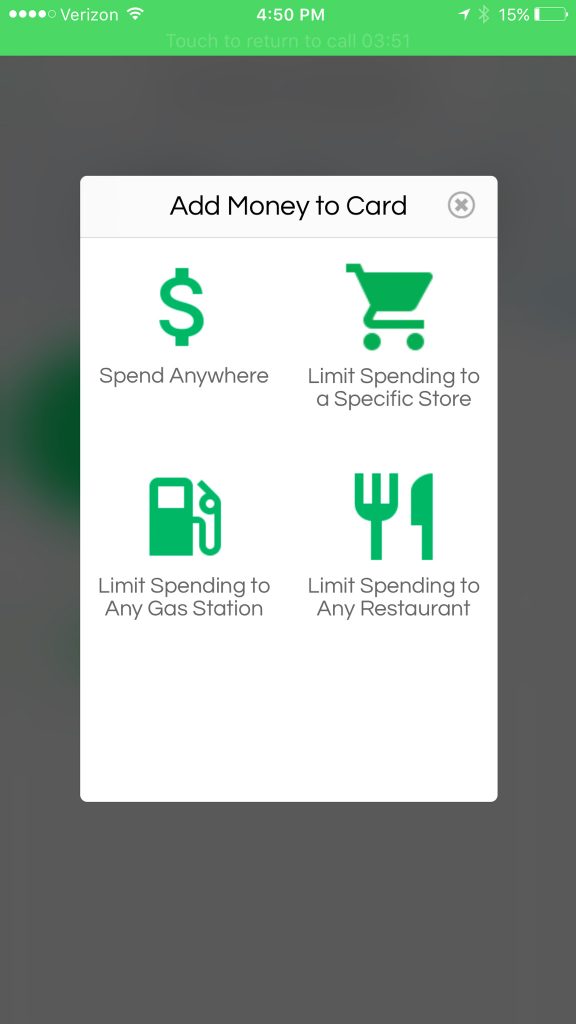
- You can assign money to be used only at certain stores so you know that the money you gave your kid for school supplies isn’t going to be used for a new video game.
- You can set their allowance to automatically transfer to their Greenlight card each week.

Here’s how it works:
You sign up for a Greenlight card here. The process is simple and took me just a few minutes from start to finish.
You can transfer money over to your child’s card or set up a recurring weekly transfer if you want to put their weekly allowance directly on the card — We actually gave up completely on allowances because I never had cash on me at the end of the week and it became a hassle.
Then I learned to automate their allowances.
The Greenlight card lets you set your kids’ allowances to automatically transfer to their Greenlight card each week.
I try to have my kids work for their money but it is always disappointing to them when I don’t have the cash to pay them afterwards. They are not a big fan of IOU’s.
Greenlight makes it easy for me to be able to pay them immediately.
Set and budget for different categories.
As a parent, you can set budgets for different categories on the card and limit spending in each category. For example, if your child has $20 on their Greenlight card but you don’t want them spending any more than $10 on fast food, you can set a budget for $10 in the fast food category.
If you want to take it a step further, you can even limit each budget to certain stores so your child can’t use the money at stores that aren’t approved. You can track where they spend their money. For kids who are learning basic money management skills, this is such a great tool.
To access the money, your kids use it just like they would any other debit card. It also works with Apple Pay in case they forget the card but we all know that no kid ever forgets their phone. My teenage son tested this out for me (and he now thinks it is the greatest thing ever).
He is always eating and he has discovered several places close to us where he can buy food if he doesn’t want to eat at home or wants to go hang out with his friends. He ran down the street to a local soda shop (yes we legit have a soda shop down the street). As soon as he made a purchase, I got an alert letting me know how much he had spent and where he spent it.
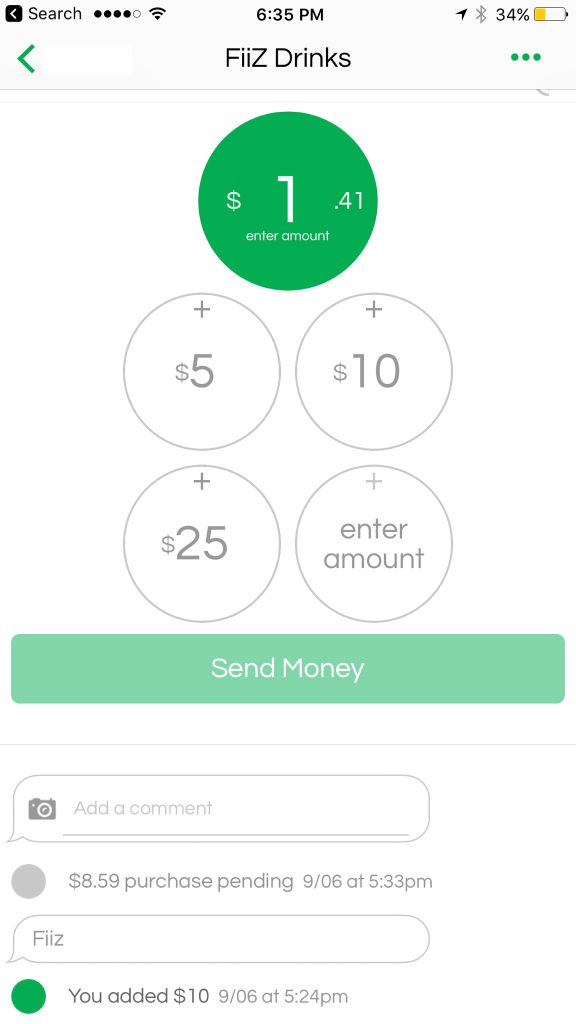
The app is super easy to use and the Greenlight cards help me make sure my kids have money when they need it without the normal panic that ensues when they spring something on me at the last minute and my wallet is empty.
With 6 kids, keeping everything organized is always a challenge. I love that the app shows you everything in one place and even lets me transfer money instantly when my kids need something right away.
This is such a great tool to help teach kids important money management skills that can stay with them for the rest of their lives.
Check out Greenlight here and find out how you can get 30 days for free and get $20 added to your account.